← Production Guide · Networking
PG-10 · ACTIVE, but no IP address?
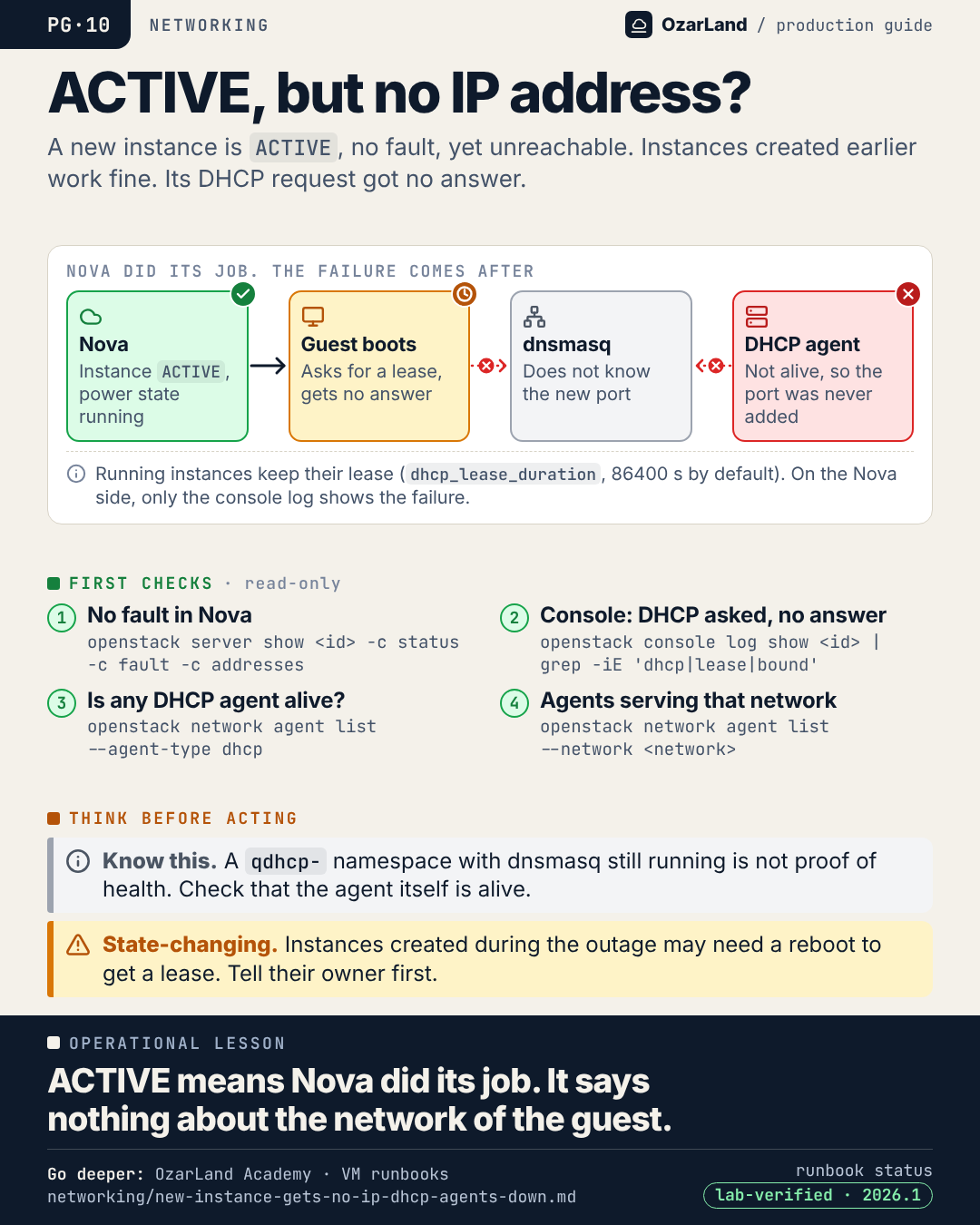
Operational lesson. ACTIVE means Nova did its job. It says nothing about the network of the guest.
The memo as text
Situation. A new instance is ACTIVE, no fault, yet unreachable. Instances created earlier work fine. Its DHCP request got no answer.
First checks (read-only):
- No fault in Nova:
openstack server show <id> -c status -c fault -c addresses - Console: DHCP asked, no answer:
openstack console log show <id> | grep -iE 'dhcp|lease|bound' - Is any DHCP agent alive?:
openstack network agent list --agent-type dhcp - Agents serving that network:
openstack network agent list --network <network>
Think before acting:
- ℹ️ Know this. A
qdhcp-namespace with dnsmasq still running is not proof of health. Check that the agent itself is alive. - ⚠️ State-changing. Instances created during the outage may need a reboot to get a lease. Tell their owner first.
Go deeper
This memo is a memory aid. The procedure, with every command, its risk warning and its limits, is in the runbook:
- New instance is ACTIVE but unreachable, it never got an IP address ·
lab-verifiedon 2026.1 · highest risk in the page: state-changing
Where this holds. Applies to ML2/OVS with DHCP agents. Lab-verified on OpenStack 2026.1 with Kolla-Ansible for the case where every DHCP agent is down; a single network without a live agent and a missing dnsmasq were not reproduced. OVN has no DHCP agent: this memo does not apply (not tested). A subnet with DHCP disabled gives the same symptom. Starting the agents again can move networks to another DHCP agent (observed on a lab, without traffic loss).
LinkedIn kit
- Image:
dist/pg-10-active-but-no-ip.png(1080 × 1350) - Post title: ACTIVE, no fault, no IP address: Nova did its job
A new instance is ACTIVE. No fault. Nothing in the Nova logs. And nobody can reach it.

Instances created yesterday are fine, which makes it look like a problem with this one VM. It is not.

With ML2/OVS, a new port must be added to dnsmasq by a DHCP agent. If no agent is alive, the guest asks for a lease and never gets an answer. Running instances keep theirs (24 hours by default), so the outage is invisible until someone creates an instance.

Where to look:
→ the console log of the guest: DHCP asked, never answered
→ openstack network agent list --agent-type dhcp

ACTIVE means Nova did its job. It says nothing about the network of the guest.

Runbook: https://github.com/OzarLand/ozarland-academy/blob/main/docs/runbooks/networking/new-instance-gets-no-ip-dhcp-agents-down.md
More memos: https://github.com/OzarLand/ozarland-academy/tree/main/docs/production

#OpenStack #Neutron #Networking #CloudOperations #SRE #OzarLand
Source: active-but-no-ip.yml. Found an error, or does your platform behave differently? Open an issue or see CONTRIBUTING.